


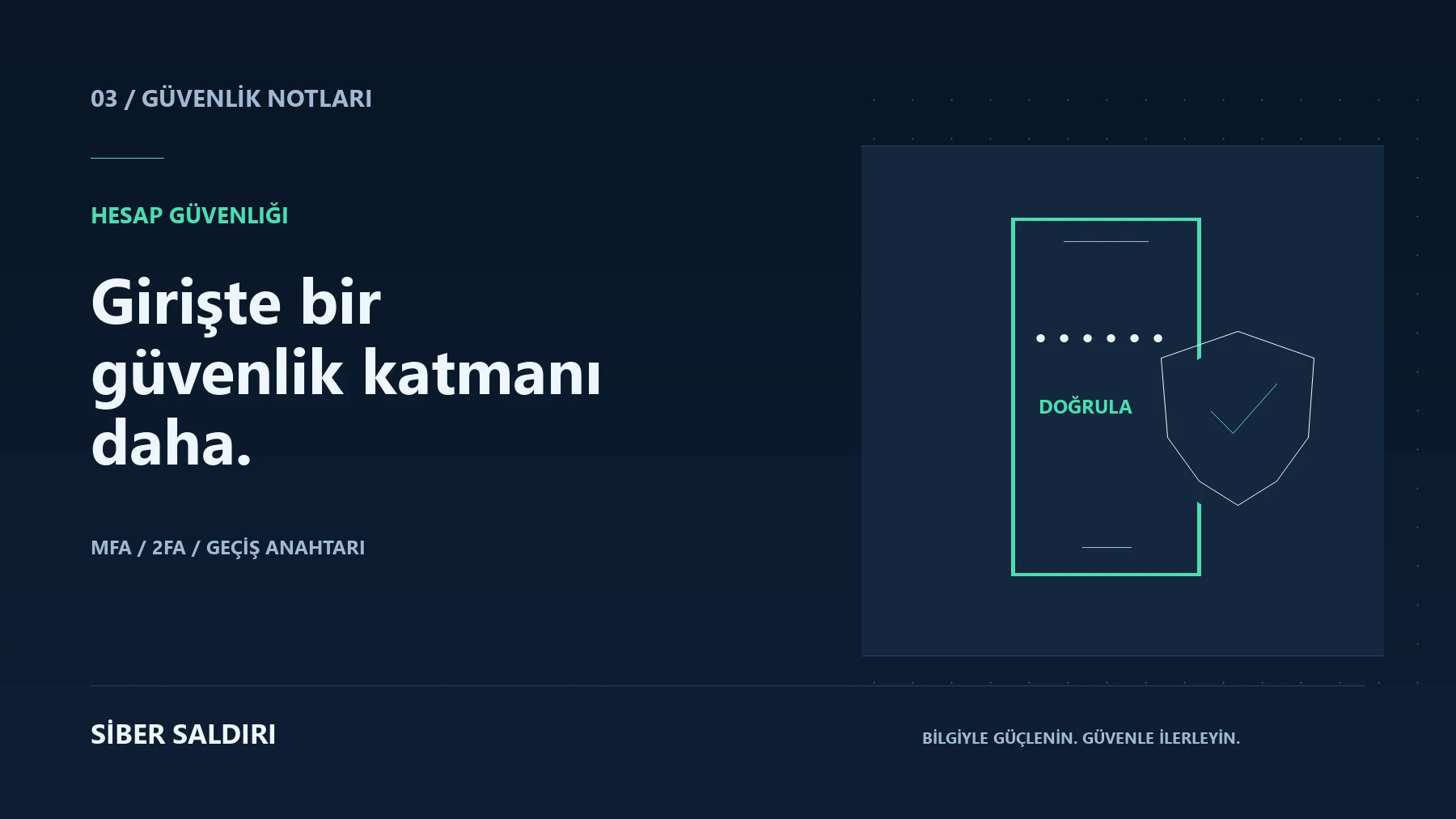
MFA is multi-factor authentication that uses different types of authentication elements during login. A password you know, a device you own, and a biometric feature are examples of different types of elements. 2FA is where two elements are used. Asking for two passwords of the same type does not by itself constitute two-factor authentication.
What risk does MFA reduce?
It provides an additional barrier to entry if an attacker learns your password. However, not all MFA methods offer the same protection. Single-use codes can also be entered on a fake page or passed on to the attacker. Situations such as a compromised device or stolen session should be handled separately.
How should you compare methods?
| Method | Practical advantage | Needs attention |
|---|---|---|
| SMS code | Widespread support and easy start-up | Line handover and risk of message being intercepted through another channel |
| Authenticator app | Code generation without network connection | Codes can be entered on fake sites |
| Notification confirmation | Fast login experience | Risk of habitually approving unexpected notifications |
| FIDO security key / passkey | Phishing resistance in appropriate application | Need for device, spare key and recovery plan |
Passkeys use cryptographic credentials tied to the correct service. On a supported login, device lock or local authentication may be activated. Passkeys that are synchronized and kept only on a particular device may have different recovery behaviors. Read the descriptions of the service you use and its administrator.
6 basic steps when setting up MFA
- Start with your main email account; recovery links go here.
- Consider a phishing-resistant method if supported.
- Add a second trusted method or backup key.
- Keep recovery codes in a safe place where no one else can access them.
- After completing the installation, perform a controlled logout and login again.
- Remove methods for old phones or lost devices from account settings.
If you receive an unexpected confirmation notification
Do not approve a login request that you did not initiate. Note that the location in the notification may be approximate; The real question is whether you initiated the process. Check sessions from the account's official app. If the password is reused or leak is suspected, change it from a trusted device.
Sharing the code requested by someone claiming to be a support person can defeat the purpose of additional verification. If you receive approval notifications repeatedly within the organization, notify the security team. Instead of turning off all verification methods yourself, follow the account recovery process.
Frequently asked questions
Is SMS authentication better than not using MFA at all?
It often provides additional protection; However, it is necessary to evaluate more robust supported methods. Make the choice based on accessibility and recovery needs.
If my phone is lost, will my account be lost too?
Pre-made recovery codes, a second trusted method, or a backup security key can help restore access. The process varies depending on the service.
Continue: password manager guide and MFA implementation steps.
Source and further reading
NIST: Authenticator Examples and CISA: Require Multifactor Authentication. Source check date: 17 October 2026.
